 United States






















Your point-of-sale system may have worked perfectly when you first opened your business. But your business has changed. You may carry more products. You may have more employees. Your customers expect faster checkout. And you probably need better information about what’s selling, what isn’t and where your money is going.
The problem is that many retailers keep using the same POS system long after it stops meeting their needs. A POS should do more than ring up sales. For a modern retail business, it should help you manage inventory, understand performance, control costs and make running your store easier.
So how do you know when it’s time for something better?
Here are seven signs you may have outgrown your POS system.
1. You’re Spending Too Much Time Managing Inventory
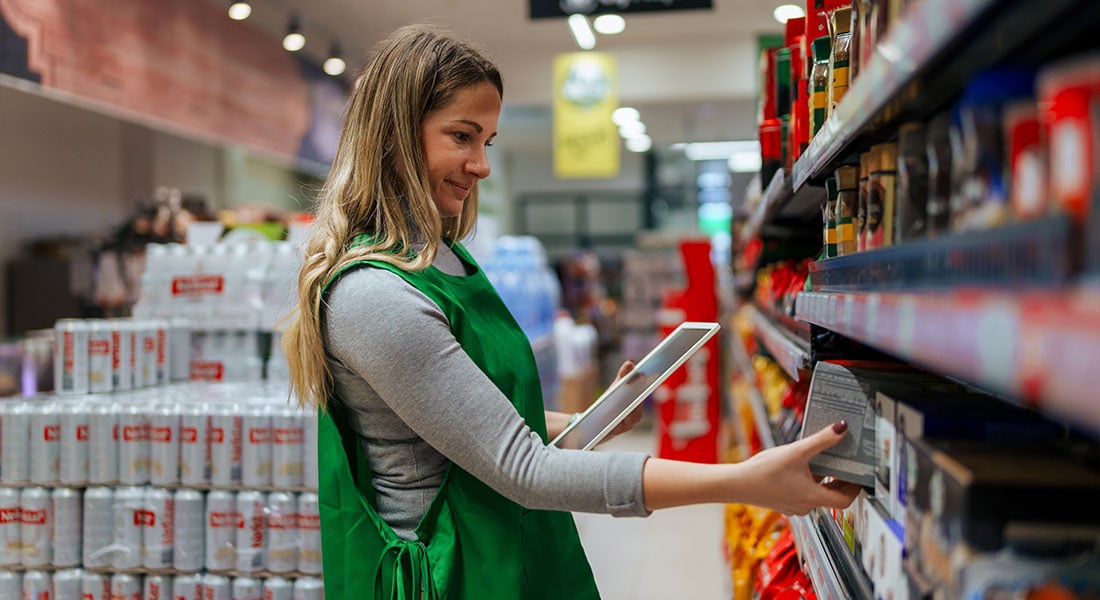
Inventory gets complicated quickly, especially for convenience stores, liquor stores, smoke shops, grocery stores and other retailers carrying hundreds or thousands of SKUs.
If you’re regularly walking the aisles to check stock, updating spreadsheets, manually entering products or discovering you’re out of an item only after a customer asks for it, your POS may be creating more work than it saves.
A modern retail POS should help you answer basic inventory questions quickly:
- What products are selling?
- What products are sitting on the shelf?
- What am I running low on?
- What should I reorder?
- Where could I be losing inventory?
The easier it is to understand your inventory, the easier it becomes to make better purchasing decisions, and spend less time counting boxes.
2. You Don’t Really Know Which Products Are Making You Money
Sales don't always tell the whole story. A product can sell quickly without being particularly profitable. Another product may sell less frequently but generate a much healthier margin.
For retailers operating on thin margins, those differences matter. If your POS can tell you what sold but can't easily help you understand product performance, pricing and profitability, you may be missing information you need to run the business effectively.
Better POS technology can give retailers clearer insights into what's happening across the store so decisions about purchasing, pricing and promotions aren't based entirely on instinct.
3. Checkout Is Slower Than It Should Be
Customers notice a slow checkout line. So do employees. Too many screens, complicated product searches, slow payment processing and outdated equipment can turn a simple purchase into an unnecessarily long transaction.
This is especially important for high-volume businesses such as convenience stores, liquor stores and small grocery stores where customers expect to get in and out quickly.
Your checkout process should be simple enough that an experienced employee can move quickly, and a new employee can learn it without weeks of training.
If ringing up a customer feels harder than it should, your POS may be part of the problem.
4. Training New Employees Is Too Complicated
Retailers already face enough staffing challenges. Your technology shouldn't add another one. Think about what happens when a new employee starts. Can you show them the basics of the POS in a few minutes? Or do they need to memorize complicated processes, product codes and workarounds?
An intuitive POS can reduce the learning curve for new employees and help them become productive faster. That's particularly valuable for businesses with frequent employee turnover, seasonal workers or multiple people working behind the counter. Good technology should make your employees' jobs easier, not give them another system to fight with.
5. You Have to Be in the Store to Know What’s Going On
One of the biggest signs that you've outgrown your technology is simple: You can't leave.
You shouldn't have to stand behind the counter to understand how your business is performing. Modern POS systems can give owners access to sales, inventory and business information remotely, making it easier to check on the store even when you're somewhere else. That doesn't mean you'll never need to be there. It means going to dinner, taking a day off or managing another location shouldn't leave you wondering what's happening back at the store.
Your POS should help you work on your business, not require you to constantly work in it.
6. You’re Using Multiple Systems and Workarounds to Run the Store
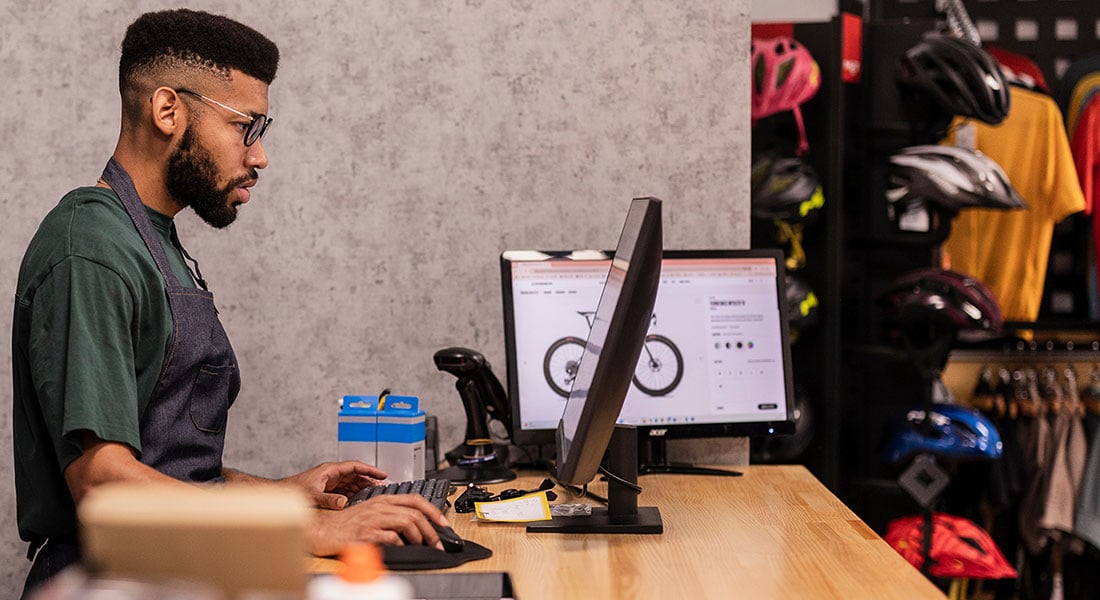
Your POS handles transactions. A spreadsheet handles inventory. Another system handles reporting. Employees keep notes somewhere else. And you may have a calculator sitting next to the register because it's still the easiest way to figure something out.
Individually, none of these workarounds may seem like a major problem. Together, they can create extra work, inconsistent information and more opportunities for mistakes. As your business grows, connected technology becomes more important.
Look for a POS that can bring more of your day-to-day operations together, including payment processing, inventory management, reporting and other retail functions.
The goal isn't to add more technology. It's to need fewer workarounds.
7. Your POS Records Sales, But Doesn’t Help You Run a Better Business
This may be the biggest difference between an older POS and newer retail technology.
A traditional POS tells you what happened: You sold 12 of something yesterday.
A more advanced system should help you use that information:
- Should you order more?
- Is the item priced appropriately?
- What else is selling?
- Are there products taking up valuable shelf space that customers aren't buying?
New POS systems are beginning to incorporate technologies such as AI to help retailers analyze inventory, pricing and sales information more efficiently. That doesn't mean AI should run your store for you. It means technology can help make the information you already have more useful.
For independent retailers competing against larger chains with sophisticated technology and analytics, that can be particularly valuable.
What Should You Look for in a New POS System?
If several of these signs sound familiar, it may be worth evaluating your current system.
Before choosing a replacement, think beyond the register itself.
Ask whether a new POS can help you:
- Manage inventory more easily
- Understand what products are selling
- Make better pricing decisions
- Speed up checkout
- Train employees faster
- Reduce manual work
- Access business information remotely
- Better understand store performance
- Manage payment acceptance costs
- Get help when you actually need support
Most importantly, look for a system that fits the way your type of business operates.
A liquor store managing thousands of products has different needs than a boutique. A convenience store has different checkout requirements than a pet store.
The best POS isn't necessarily the system with the longest feature list. It's the one that makes your business easier to run.
Your POS Should Keep Up With Your Business
Outgrowing your POS is actually a good problem to have. It usually means your business has become more sophisticated than the system you started with.
But technology that once helped you can eventually start holding you back.
Take a look at how much time you spend managing inventory, training employees, finding information and working around the limitations of your current system.
If your POS is making those jobs harder instead of easier, it may be time to see what today's retail technology can do.
Ready to explore what's possible with a modern retail POS? Visit PayrocPOS.com to learn more.
Frequently Asked Questions About Replacing a POS
How do I know if I need a new POS system?
Common signs include slow checkout, difficult inventory management, limited reporting, complicated employee training, too much manual work and an inability to access important business information when you're away from the store. If you're regularly creating workarounds because your POS can't do what you need, it may be time to evaluate other options.
Can a POS system help with inventory management?
Yes. Modern retail POS systems can connect sales and inventory information so merchants can better understand what's selling, what's running low and which products may need attention. Capabilities vary by provider, so retailers with large inventories should specifically evaluate inventory-management features when comparing systems.
Can a POS help reduce inventory theft or shrinkage?
A POS can't eliminate shrinkage by itself, but better inventory tracking and reporting can make discrepancies easier to identify. Retailers should look for systems that provide clear inventory records and reporting appropriate for their business.
What should a small retailer look for in a POS?
Priorities will vary by business, but important considerations often include ease of use, inventory management, payment processing, reporting, employee training, remote access, hardware, ongoing costs and customer support.
Is an AI-powered POS worth considering?
AI can be useful when it solves a real business problem. For retailers, that could include helping analyze inventory, identify trends or make better pricing and purchasing decisions. Instead of choosing a system simply because it includes AI, ask what the AI actually does and whether it can save you time or help improve profitability.